
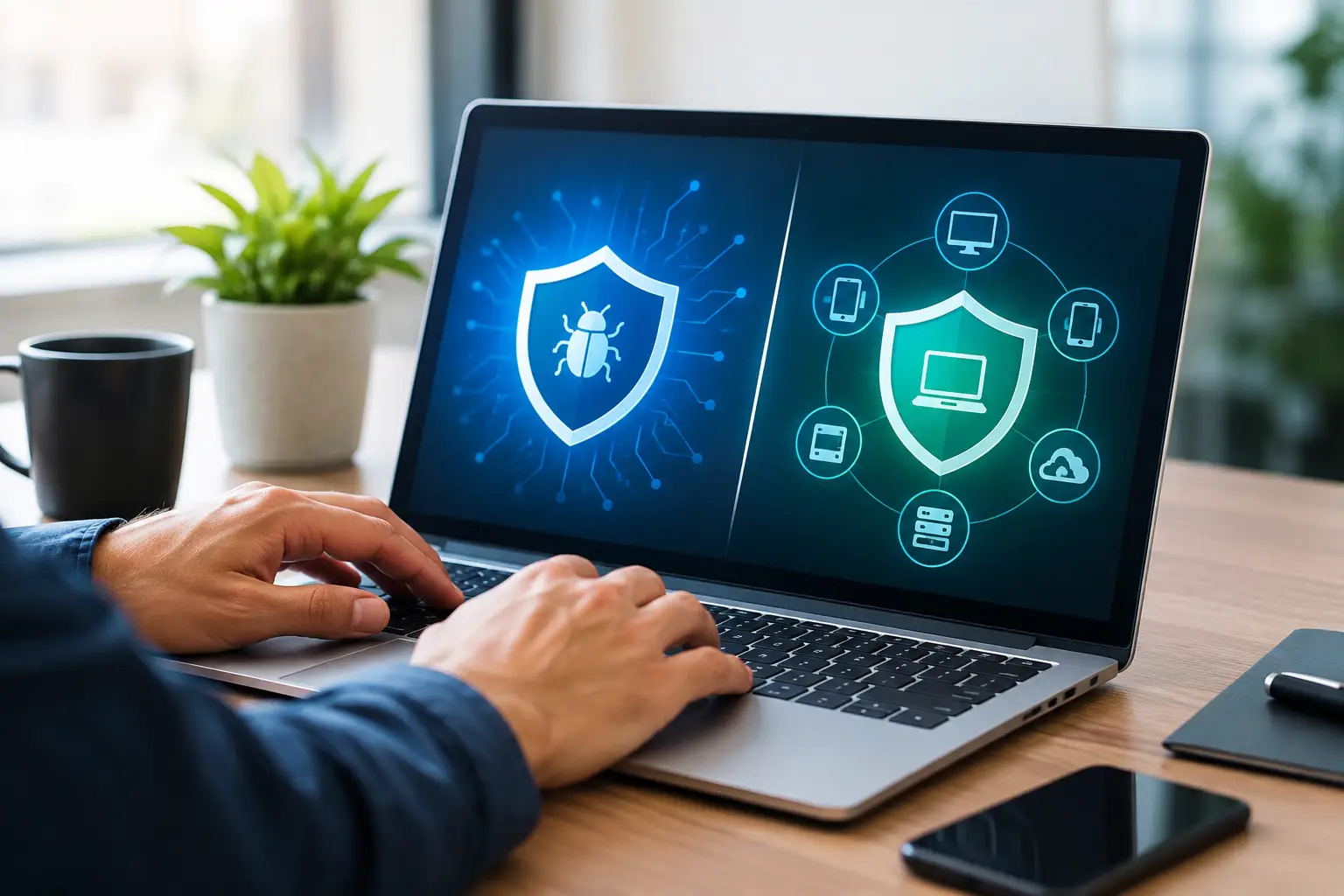

A pop-up warning, a suddenly slow computer, or an employee who clicked the wrong email attachment can turn an ordinary workday into a serious disruption. The question of antivirus versus endpoint protection matters because the right answer depends on what you need to protect, how many devices are involved, and how much downtime you can afford.
For a single home computer, traditional antivirus may be enough when it is properly installed, kept current, and paired with good habits. For a small business with laptops, shared files, remote workers, and customer information, endpoint protection usually provides the broader visibility and control needed to respond before one infected device becomes a larger problem.
What traditional antivirus is designed to do
Antivirus software is built to detect, block, and remove malicious software. That includes familiar threats such as viruses, worms, spyware, trojans, and many forms of ransomware. It typically scans files, watches for suspicious downloads, checks websites or email attachments, and compares activity against known threat patterns.
For homeowners, that protection is still valuable. A reputable antivirus program can stop many common threats before they install, especially when someone accidentally downloads a fake software update, opens a suspicious attachment, or visits a compromised website. It can also identify malware that is already on a computer and help remove it.
The limitation is scope. Antivirus is often focused on the individual device where it is installed. It may alert you that it found a problem, but it does not always provide a clear picture of what happened, whether another computer was affected, or what settings need to change afterward.
That does not make antivirus a bad choice. It simply means it is one layer of protection, not a complete security plan for every situation.
Antivirus versus endpoint protection: the practical difference
Endpoint protection is designed for every “endpoint” connected to a network. An endpoint can be a desktop computer, laptop, server, tablet, or sometimes a mobile device. Instead of treating each computer as a separate island, endpoint protection helps manage security across the devices that store, access, or share your information.
The software generally includes antivirus capabilities, but it goes further. It can monitor behavior that looks suspicious even when a threat is new or does not match a known virus signature. It may isolate an infected computer from the network, block risky activity, record what occurred, and give an administrator one place to review the status of all protected devices.
Think of standard antivirus as a guard at one door. Endpoint protection is closer to a security system that watches several doors, alerts the right person, and can close off one area when trouble starts.
For a small business, that difference can save time and limit damage. If one employee opens a malicious file, endpoint tools may help prevent the infection from reaching shared folders, accounting systems, or other computers. The exact features vary by product, so it is worth looking beyond the label and confirming what is actually included.
Why small businesses face a different level of risk
A local business does not need to be large to be targeted. Criminals often look for easy opportunities: an outdated computer, reused passwords, an unprotected remote desktop connection, or a fake invoice sent to a busy employee. Their goal may be to steal information, lock files for ransom, redirect payments, or use one device to gain access to the rest of the network.
Small organizations are especially vulnerable to interruptions. A larger company may have an internal IT department, backup systems, and multiple replacement computers ready to go. A small office may have one person who understands the technology, one computer running a key application, and no time to investigate security alerts.
Endpoint protection is useful here because it helps establish consistency. Security updates can be monitored, devices can be reviewed from one console, and suspicious events are easier to spot before they become a full outage. It also makes it easier to see when a laptop has not checked in, a program is outdated, or a machine needs attention.
Still, endpoint protection is not automatic peace of mind. It needs to be configured correctly, monitored, and supported by backups and sensible access controls. A security tool cannot protect files that were never backed up, and it cannot completely prevent an employee from sharing a password with the wrong person.
When antivirus is usually enough
Traditional antivirus can be a reasonable fit for a homeowner or independent professional who has one or two computers, does not store sensitive client data locally, and does not manage a shared network. The key is to choose a legitimate product, keep it updated, and avoid treating it as permission to click anything without caution.
It works best alongside a few basic habits: install operating system updates promptly, use strong unique passwords, turn on multi-factor authentication where available, and keep important files backed up separately. A backup should not be permanently connected to the computer all the time, since ransomware can sometimes reach connected drives as well.
If your computer becomes unusually slow, begins showing unexpected ads, redirects searches, or displays security warnings you did not expect, do not keep entering passwords or payment information. Disconnect from the internet if you suspect an active infection and get help before the problem spreads or personal information is exposed.
When endpoint protection is the better choice
Endpoint protection is generally the better fit when several people use computers for work, devices share files or printers, employees work remotely, or the business handles customer records, financial data, medical information, or proprietary documents. It is also a strong choice when no one has time to manually check every computer for updates and security issues.
A growing business should consider endpoint protection before it experiences a major incident, not after. The expense is often easier to justify when compared with the cost of lost work, missed appointments, recovery effort, damaged client trust, and potentially unrecoverable files.
It can also help businesses that use a mix of company-owned and personal devices. That situation requires careful planning. You want to protect company data without overreaching into an employee’s personal information. Clear policies about device use, approved software, file sharing, and account access are just as important as the security software itself.
Protection is more than one program
Whether you choose antivirus or endpoint protection, no single product can solve every security problem. Real protection comes from layers that work together. Security software handles many threats, but backups protect recoverability, updates close known weaknesses, passwords protect accounts, and training reduces costly mistakes.
Email deserves special attention because it remains one of the most common entry points for scams and malware. A message can look like it came from a bank, delivery service, vendor, coworker, or even a company owner. Before opening an attachment or sending money, verify unexpected requests through a known phone number or a separate message. Do not use the contact information supplied in a suspicious email.
Network security matters too. A weak Wi-Fi password, old router firmware, or poorly configured guest network can create avoidable exposure. Homes and offices with connected cameras, smart TVs, printers, and other devices benefit from a review of how everything is connected and who has access.
Getting the right level of help
The best security setup is one you can maintain. A homeowner may need a clean computer, dependable antivirus, a backup plan, and plain-language advice about safer browsing. A small business may need endpoint protection, user accounts with the right permissions, backup verification, secure network configuration, and someone to call when an alert appears.
At The IT Professionals, Frank can help evaluate whether a device needs malware removal, a security upgrade, a network review, or a more complete protection plan. The goal is not to sell more software than you need. It is to reduce the chances that a bad click or failing computer interrupts your home, work, or access to important files.
If you are unsure which option fits, start with the devices and data you cannot afford to lose. That simple conversation usually makes the right next step much clearer.