
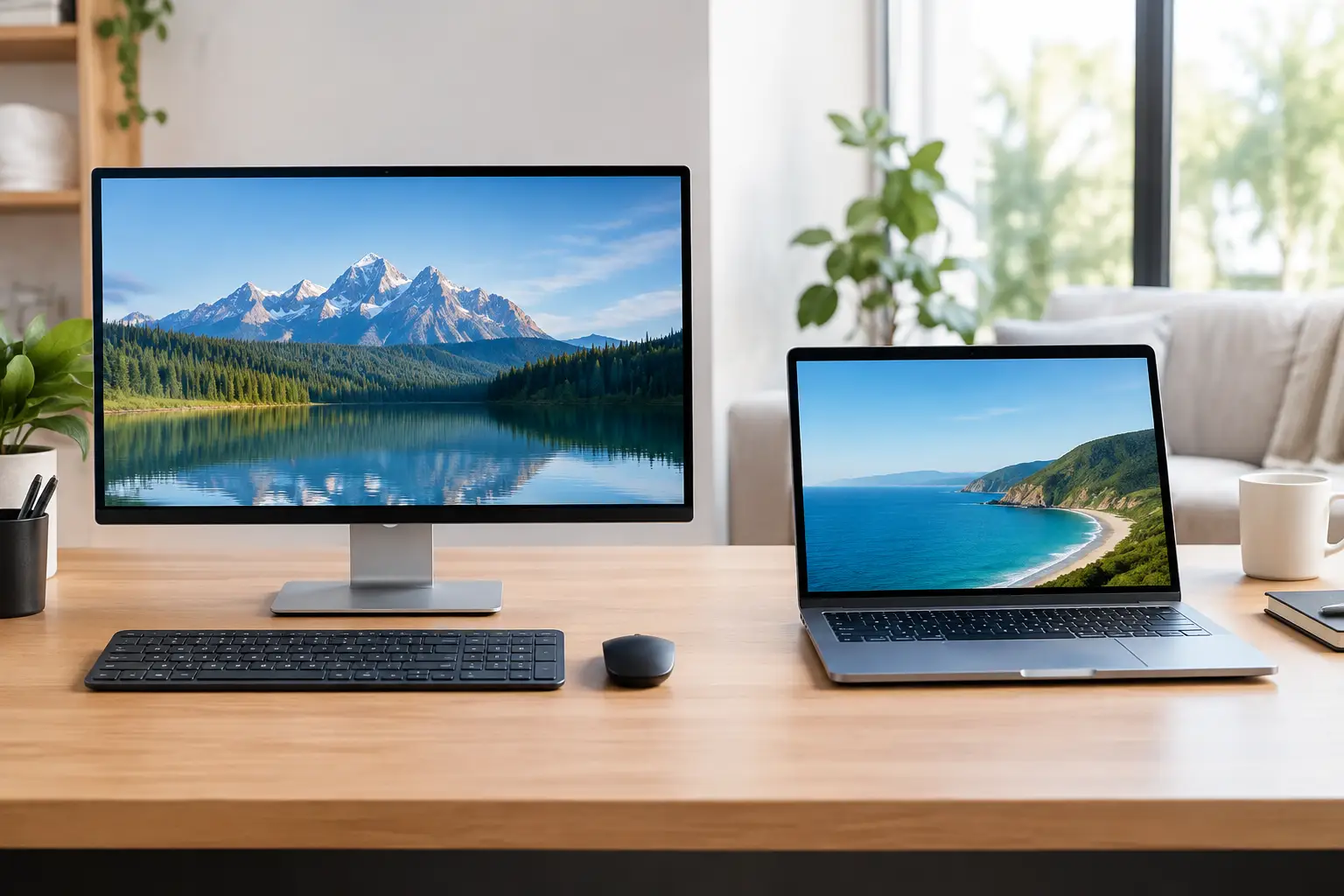

A computer that freezes during a client call, takes ten minutes to open a spreadsheet, or cannot hold a charge when you need it most is not just inconvenient. It disrupts work and adds unnecessary stress. A desktop laptop comparison is most useful when it starts with what you actually need your computer to do, where you need to use it, and how long you expect it to remain dependable.
There is no universal winner. Desktops generally deliver more performance and easier repairs for the money. Laptops provide the freedom to work from the kitchen, office, conference room, or away from home. The right choice depends on your daily routine, applications, budget, and tolerance for compromises.
Desktop Laptop Comparison: Performance and Reliability
A desktop computer usually provides more power per dollar. Its larger case has room for a full-size processor, a stronger graphics card, more memory, and better cooling. That matters when you edit video, manage large accounting files, run multiple monitors, work with design software, or keep many business programs open at once.
Cooling is an overlooked advantage. Desktop components have more space to release heat, so they can sustain demanding work for longer periods without slowing down. A properly configured desktop is often the better choice for a home office, reception desk, workstation, or small-business location where the computer stays in one place.
Laptops have become very capable, especially higher-end business and professional models. For email, web-based business software, video meetings, documents, light photo editing, and everyday household tasks, a quality laptop can handle the job well. The trade-off is that compact parts run warmer and are harder to replace. A laptop that performs well for a few short tasks may still slow down during extended demanding work.
Reliability also depends on how the device is treated. A desktop is less likely to be dropped, crushed in a bag, or exposed to changing temperatures in a car. A laptop travels with you, which is its greatest strength, but travel also creates more opportunities for damage to the screen, charging port, hinges, keyboard, and internal storage.
The Real Cost Is More Than the Purchase Price
A low-priced laptop can look like a good deal until it runs out of storage, has too little memory, or becomes sluggish after a software update. Many budget laptops use components that cannot be meaningfully upgraded. Once the battery weakens or the storage fills up, replacement may make more sense than repair.
With a desktop, your initial investment can go further because the same budget often buys better performance. You may need to account for a monitor, keyboard, mouse, speakers, and possibly a webcam, but those accessories can remain useful through future computer upgrades. If a desktop monitor fails, for example, you can replace the monitor without replacing the entire computer.
Long-term value often favors a desktop when you plan to keep a system for several years. Adding memory, installing a larger solid-state drive, replacing a power supply, or upgrading a graphics card can extend its useful life. This is especially helpful for small businesses that want reliable systems without replacing every workstation at the same time.
That said, paying more for a well-built laptop can be worthwhile if mobility directly supports your work. An executive who moves between job sites, a family member attending school, or a professional who regularly works from different locations may gain more value from portability than from desktop upgrade options.
Portability Changes How You Work
The clearest difference in a desktop laptop comparison is simple: a laptop goes where you go. You can bring it to a meeting, use it in another room, work while traveling, and keep important files and applications with you. For people with changing schedules, that flexibility is hard to replace.
A desktop creates a more permanent workspace. This can be a benefit, not a limitation. A dedicated desk with a large monitor, comfortable keyboard, proper chair, printer access, and stable wired internet can make long workdays easier on your eyes, hands, and attention. It also helps create a boundary between work and home life.
Many people get the best of both approaches with a laptop connected to a monitor, keyboard, mouse, and docking station. At the desk, it works like a desktop. When it is time to leave, you disconnect one cable and take your work with you. This arrangement is practical, but it requires choosing a laptop with enough ports, processing power, and charging capacity for your desk setup.
Upgrades, Repairs, and Data Protection
Desktops are generally easier and less expensive to service. A technician can access internal parts without removing a glued screen or working around tightly packed components. Storage drives, memory, fans, and power supplies can often be replaced individually. Custom desktop builds can also be planned around the programs you use now while leaving room for future growth.
Laptop repairs can still make sense, particularly on a newer or higher-quality machine. Replacing a failing solid-state drive, upgrading memory when the model allows it, cleaning cooling components, or resolving software problems can restore speed and stability. However, some modern laptops have memory and storage permanently attached to the motherboard, which limits repair choices.
Neither type of computer protects your files automatically. Hardware can fail without warning, malware can lock up important documents, and accidental deletion happens. Keep a backup strategy in place whether you choose a desktop or laptop. Important files should exist in more than one location, and your backup should be checked occasionally to make sure it can be restored.
If a computer stops starting, avoid repeatedly forcing it on, installing random recovery software, or saving new files to the affected drive. Those actions can make data recovery more difficult. The IT Professionals can assess the situation and recommend the most practical next step, including advanced recovery options when needed.
Which Computer Fits Your Situation?
A desktop is often the better fit for a home office employee who works mainly from one room, a small business with fixed workstations, a serious gamer, a creative professional, or anyone who wants maximum speed within a defined budget. It is also a smart choice when you need several large monitors or expect to upgrade parts over time.
A laptop makes more sense for students, traveling professionals, real estate agents, consultants, families sharing a computer in different rooms, and business owners who need their system with them during meetings or site visits. Choose a model with enough memory and storage from the start, because upgrades may not be possible later.
For a small business, consistency matters as much as the desktop-versus-laptop decision. Using similar systems makes setup, troubleshooting, security updates, and replacement planning easier. A mix can work well too: desktops for staff who remain at their desks and laptops for managers, sales personnel, or remote workers.
Ask These Questions Before You Buy
Start with the software and tasks that matter most. If your computer only handles email, browser-based applications, documents, and video calls, you may not need a powerful workstation. If you use professional design tools, work with large files, manage local databases, or need multiple displays, invest in the processor, memory, storage, and graphics capability that work requires.
Next, consider where the computer will live. If it rarely leaves a desk, do not pay a premium for mobility you will not use. If you frequently carry it, choose a laptop with a durable design, a comfortable keyboard, good battery health, and sufficient power for your busiest day.
Finally, think ahead two or three years. Buying the cheapest available computer can lead to an earlier replacement. Buying far more power than you need can waste money. The best choice is a system that handles your real workload comfortably, fits your budget, and can be supported when something goes wrong.
A dependable computer should make your day easier, not force you to plan around its limitations. Whether that means a serviceable desktop, a capable laptop, or a laptop-and-dock setup, choose the system that gives you confidence to work without waiting for the next slowdown or failure.