
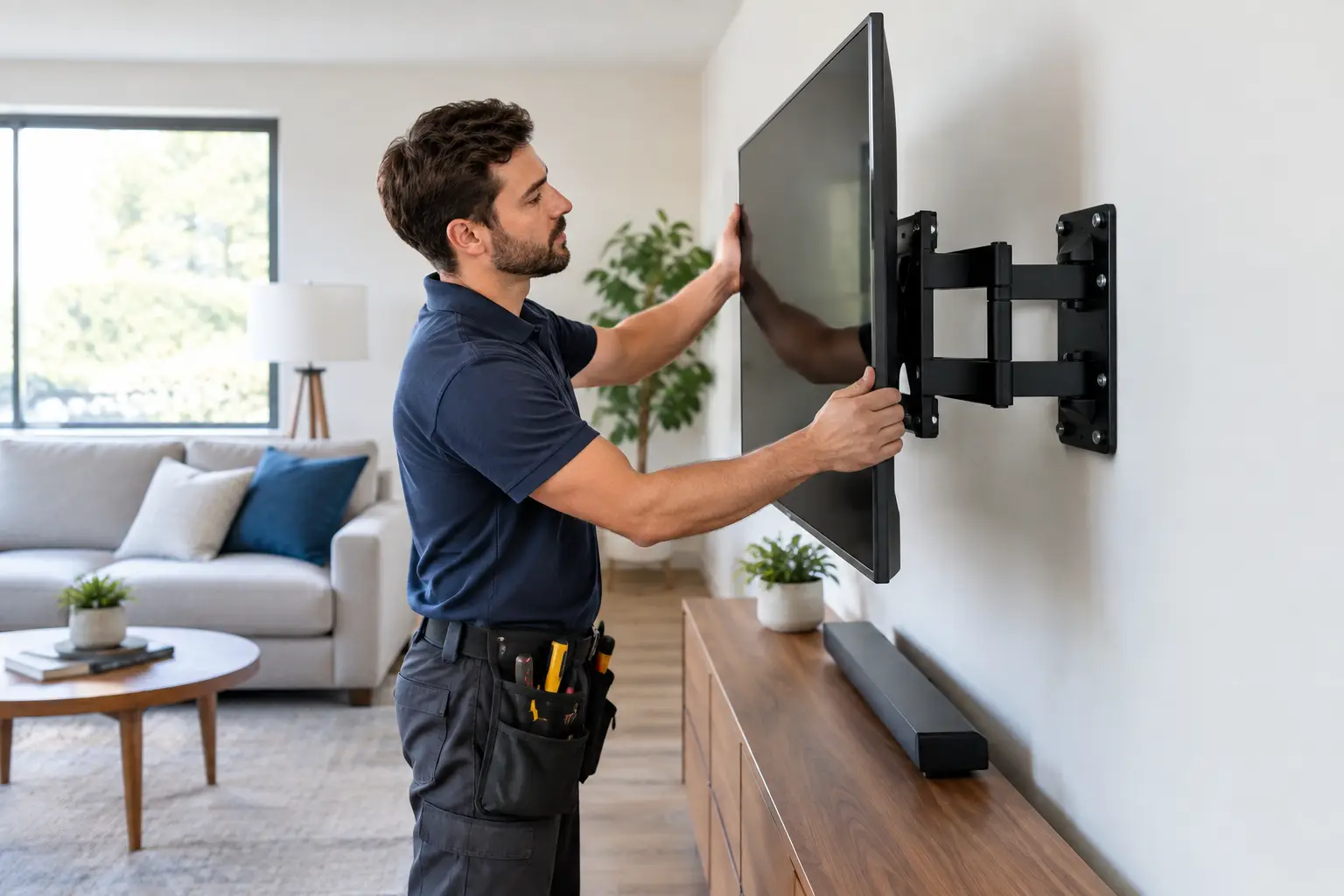

A new television can look great in the box and still become a daily frustration once it reaches the living room. The right TV mounting setup puts the screen at a comfortable height, keeps cables under control, and makes sure the display is firmly supported by the wall behind it. The wrong setup can leave you with strained necks, visible wires, damaged drywall, or worse, a screen that is not properly secured.
For Southern California homeowners, a mounted TV is often part of a larger home technology project. It may connect to a soundbar, receiver, streaming device, game console, cable box, whole-home network, or outdoor entertainment area. Getting the bracket on the wall is only one part of the job. The details around placement, power, wiring, and equipment access are what make the finished installation easy to live with.
TV Mounting Starts With the Right Location
The best wall for a TV is not always the most obvious one. Before choosing a mounting bracket, consider where people actually sit, where natural light enters the room, and where the equipment needs to connect. A TV mounted directly across from large windows may produce glare for much of the day. A screen placed too high over a fireplace can look neat but become uncomfortable during a two-hour movie.
For most seated viewing, the center of the screen should be close to eye level. The exact height depends on the size of the TV, the height of the furniture, and whether the room is used mostly for movies, sports, gaming, or casual viewing. A bedroom setup may be higher and use a tilting mount. A family room usually benefits from a lower, more natural viewing position.
It also helps to think beyond today’s furniture arrangement. If you plan to replace a media console, add speakers, or move the seating later, choosing a highly fixed location can create an unnecessary limitation. A professional can explain whether a fixed, tilting, or full-motion mount makes sense before holes are drilled.
Fixed, Tilting, and Full-Motion Mounts
A fixed mount holds the TV close to the wall and gives the room a clean, low-profile appearance. It works well when the screen will be viewed from one primary seating area and installed at the correct height from the beginning. The trade-off is limited access behind the TV once it is mounted.
A tilting mount allows the display to angle downward. This is useful when a TV needs to sit slightly higher than ideal or when you want a better view from different positions in the room. It can also make cable access easier.
A full-motion mount extends, swivels, and tilts. It is a practical option for open-concept spaces, corner installations, or rooms where viewers sit in more than one area. These mounts require careful wall support and cable management because the TV moves after installation. The right mount is based on the wall, the screen weight, and how the room is actually used, not simply on which option has the most features.
What Makes a TV Installation Safe
Televisions are lighter than they were years ago, but many large screens still weigh enough to cause serious damage or injury if mounted incorrectly. A bracket must be rated for the TV’s size and weight, and the hardware must be attached to a suitable structural surface.
In many homes, that means locating wall studs and fastening the mount into them. Drywall alone is not designed to carry the load of a large TV, especially if the mount extends or swivels. Metal studs, masonry, plaster walls, fireplaces, and specialty wall finishes all require different considerations. Guessing at stud locations or using the wrong anchors can turn a simple installation into an expensive repair.
The mount also needs to match the TV’s VESA mounting pattern, which is the spacing of the threaded holes on the back of the display. A bracket may physically look like it fits but still be wrong for the screen’s dimensions or weight distribution. Larger TVs and full-motion brackets put more leverage on the wall, so proper mounting becomes even more important.
Power is another safety concern. Extension cords and power strips should not be hidden inside a wall. If there is no properly located outlet, the clean solution is to have suitable power installed where it is needed. This protects the system, keeps the setup compliant, and avoids a shortcut that could create a fire risk.
Plan the Cables Before the Screen Goes Up
Visible cables can make even an expensive TV installation look unfinished. More importantly, poorly planned wiring becomes frustrating when you need to add a device, replace a streaming box, or troubleshoot a signal issue.
Start by identifying every connection the TV will need. That may include HDMI cables for a soundbar and game console, Ethernet for reliable streaming, coaxial cable, optical audio, USB power, or control connections. Wireless streaming is convenient, but a wired network connection is often more dependable in rooms where Wi-Fi coverage is weak or where several devices are competing for bandwidth.
For a clean wall-mounted setup, cables can be routed through an approved in-wall pathway or managed neatly in a surface-mounted channel when opening the wall is not practical. Leave enough slack for service access, particularly with a tilting or full-motion bracket. A tightly stretched HDMI cable may work on installation day and fail once the TV is moved.
Equipment placement deserves the same attention. A cable box or receiver tucked into a closed cabinet may overheat. A streaming device hidden behind the TV may have weak Wi-Fi reception. A soundbar needs room to project sound without blocking the bottom of the screen or interfering with an infrared remote sensor. Small choices like these determine whether the room feels simple or becomes a recurring source of support calls.
Common TV Mounting Problems to Avoid
The most common mistake is mounting first and planning second. That can result in a TV that is centered on the wall but not centered with the seating area, furniture, or fireplace. It may also leave no practical route for cables or no room for a soundbar.
Another issue is selecting a mount based only on screen size. The TV’s actual weight, mounting-hole pattern, wall type, and desired movement all matter. A large screen on a weak or improperly reinforced wall is not a project to rush.
Homeowners also sometimes overlook future service. If the TV is installed so tightly that ports cannot be reached, changing an HDMI cable or resetting a device becomes much harder than it needs to be. A clean installation should still allow access when equipment eventually needs attention.
Finally, do not ignore the rest of the technology. A mounted TV cannot compensate for a slow network, unreliable streaming connection, aging receiver, or poorly configured remote. When the system has several components, setup and testing should include every input, audio source, remote function, and streaming app you expect to use.
When Professional TV Mounting Is Worth It
A straightforward installation on a standard stud wall may look simple, but professional help is especially valuable when the project involves a large display, a fireplace, brick or masonry, a full-motion bracket, hidden wiring, surround sound, network connections, or multiple devices. It is also useful when you want the room finished correctly in one visit rather than spending a weekend making adjustments.
The IT Professionals can help with TV mounting as part of a complete home technology setup, including sound, streaming devices, network connections, and cable organization. You get direct guidance from someone who can look at the wall, the equipment, and the way you use the room, then recommend a practical solution without pushing unnecessary hardware.
A properly mounted TV should disappear into the room when it is off and work without fuss when it is on. Choose a location that feels natural, use hardware suited to the wall and screen, and leave the system accessible for the day a cable, device, or connection needs attention.