
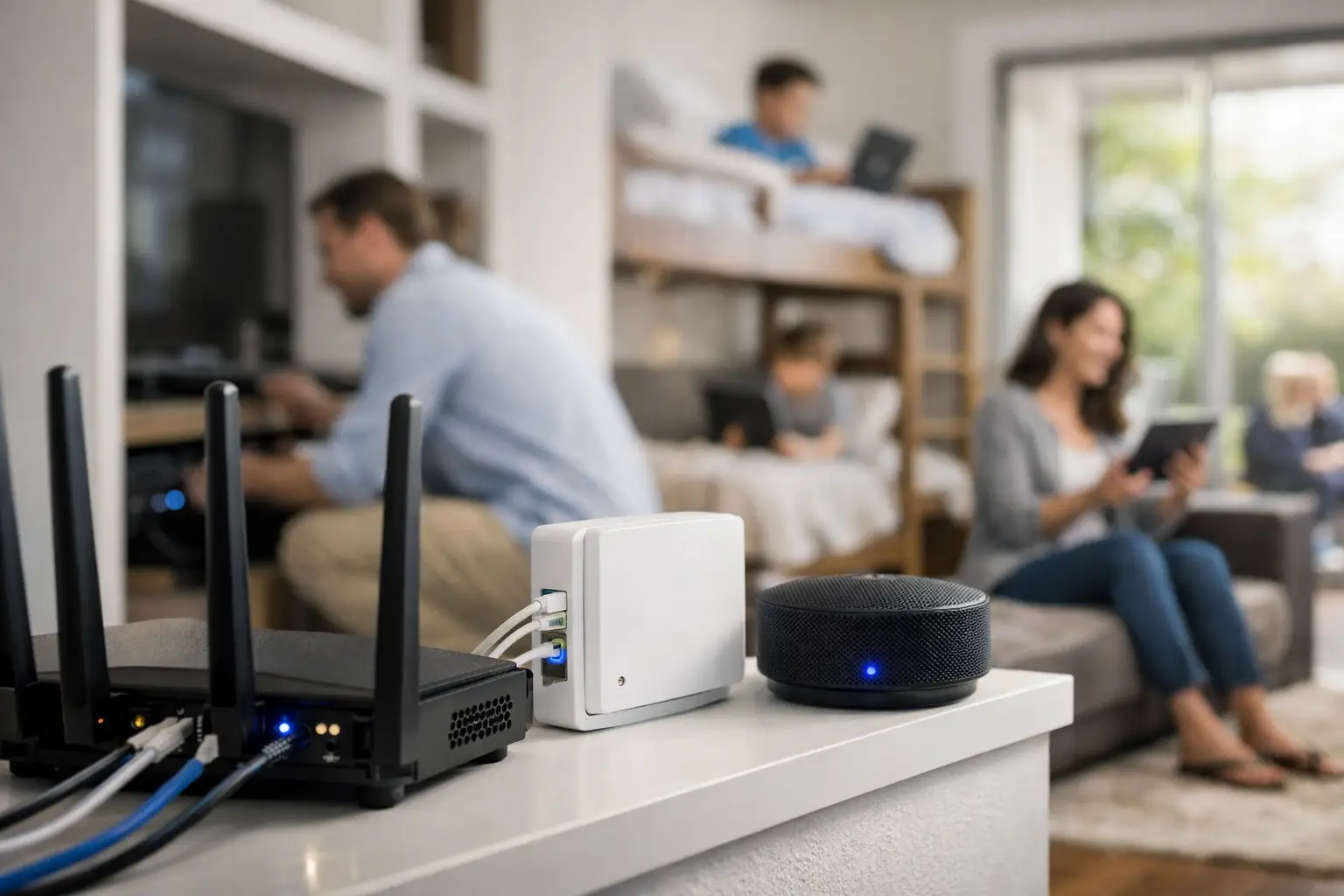

A video call freezes just as you need to speak. The movie buffers in the back bedroom. A smart camera drops offline overnight. These are not small annoyances when your home depends on connected technology. Proper home network installation turns a collection of routers, wires, devices, and subscriptions into a system that works where and when you need it.
For many Southern California homes, the issue is not simply that the internet plan is too slow. The real problem is often Wi-Fi coverage, poor equipment placement, outdated hardware, interference, or a network that was added piece by piece over time. A dependable setup starts by identifying what is actually causing the disruption.
Why a Home Network Can Feel Slow
Your internet provider delivers service to one point in the house. From there, your modem and router have to carry that connection to every phone, computer, television, game console, printer, camera, and smart-home device. The farther Wi-Fi travels, the more obstacles it encounters.
Walls, brick, metal, mirrors, appliances, plumbing, and neighboring wireless networks can all weaken a signal. Larger homes and multi-story floor plans create more opportunities for dead zones. A router tucked in a cabinet, behind a TV, or at one end of the house may work well for one room and poorly everywhere else.
It also helps to separate internet speed from Wi-Fi performance. You can pay for a fast internet plan and still get frustrating results because the wireless network inside the home is poorly designed. On the other hand, no router can compensate for an internet connection that is undersized for a household with several people streaming, gaming, working remotely, and using cloud backups at once.
The right answer depends on your home, your provider, your devices, and how you use technology. That is why guessing based on a router box or an online speed test can lead to an expensive fix that does not solve the problem.
What Professional Home Network Installation Includes
A well-planned installation begins with a conversation about how the home is used. A family with several streaming TVs has different needs from a professional who runs video meetings all day, or a small business operator who works from a home office and needs reliable access to files, printers, and security systems.
The installation should account for the internet service coming into the home, the location of existing equipment, and the rooms where dependable coverage matters most. Those commonly include offices, bedrooms, outdoor entertaining areas, garages, media rooms, and entryways with smart doorbells or cameras.
A technician can then determine whether the best solution is a properly placed router, a mesh Wi-Fi system, wired access points, or a combination of wired and wireless connections. Each option has strengths and trade-offs.
A mesh system is often a good choice for broad coverage in a typical home because it uses multiple units to extend Wi-Fi across the property. It can be convenient and effective, but placement still matters. If the mesh units are too far apart or connected through weak wireless signals, performance may suffer.
Wired access points require more planning, but they are often the better choice for larger homes, demanding home offices, media rooms, and areas with heavy network use. Running network cable to the right locations gives access points a direct connection back to the main network. That can improve speed, stability, and consistency, especially when multiple people are online at once.
Where possible, wired connections are also worthwhile for devices that do not move. A desktop computer, smart TV, game console, network storage device, or media server can often benefit from Ethernet. This frees wireless capacity for phones, tablets, and other mobile devices.
Coverage Is Only One Part of the Job
A network should be secure, organized, and easy to support later. That means changing default equipment passwords, updating firmware, using modern encryption, and making sure the Wi-Fi name and password are set up in a way your household can manage.
Guest access is another practical consideration. Visitors may need internet access, but they do not need access to your computers, printers, storage devices, or smart-home controls. A separate guest network provides convenience while keeping the main network more private.
Smart devices deserve special attention. Cameras, thermostats, doorbells, speakers, appliances, and lighting controls can make a home more convenient, but they also add traffic and complexity. Older smart devices may only work on certain Wi-Fi bands, while newer equipment may need stronger coverage and more reliable connections than a basic router can provide.
Network organization matters when something goes wrong. If devices are clearly named and equipment is installed neatly, troubleshooting becomes much faster. You should not have to unplug random boxes and hope for the best when a printer disappears or a camera stops recording.
When It Is Time to Replace the Router
Many people wait until the router fails completely, but declining performance often shows up first. Common signs include frequent disconnections, rooms where Wi-Fi never works well, devices that cannot stay connected, poor video-call quality, or slow performance even after your internet provider confirms the line is working properly.
A router that is several years old may not be designed for the number of devices now in the home. It may also lack current security features and the capacity needed for high-resolution streaming, gaming, video conferencing, cloud syncing, and smart-home equipment running together.
Replacement is not always the answer. Sometimes the equipment is capable, but it is placed poorly, configured incorrectly, or limited by an old modem, damaged cable, or provider issue. An honest assessment should identify the bottleneck before recommending new hardware.
A Practical Plan for Better Wi-Fi
Before installing equipment, start with the areas that create the most frustration. Is the home office unreliable? Does the TV buffer at night? Are outdoor cameras losing connection? Does the signal weaken upstairs? Specific symptoms help reveal whether the problem is coverage, congestion, hardware, or the incoming internet service.
Next, consider how the network will grow. A setup that barely handles today’s devices may become strained after adding cameras, a new television, another work computer, or a home theater system. Planning for reasonable growth prevents repeated upgrades and unnecessary disruption.
Finally, avoid placing all the attention on download speed. Reliable upload speed is especially important for video meetings, remote access, cloud backup, security cameras, and sending large files. A network that tests well in one room but fails during real use is not doing its job.
Get Help Before the Frustration Spreads
Home networking can affect work, entertainment, security, and everyday communication. A problem that begins as spotty Wi-Fi can quickly become missed meetings, unreliable cameras, inaccessible files, and a household full of people restarting devices.
The IT Professionals can evaluate the whole picture, from internet equipment and Wi-Fi coverage to wired connections, computers, printers, TVs, and smart devices. The goal is not to sell more equipment than you need. It is to build a network that fits your home, your budget, and the way you actually live.
If your connection only works in certain rooms, drops when the house gets busy, or feels harder to manage every month, getting it assessed now can save a great deal of time later. A properly installed home network should fade into the background, leaving your technology ready when you need it.