
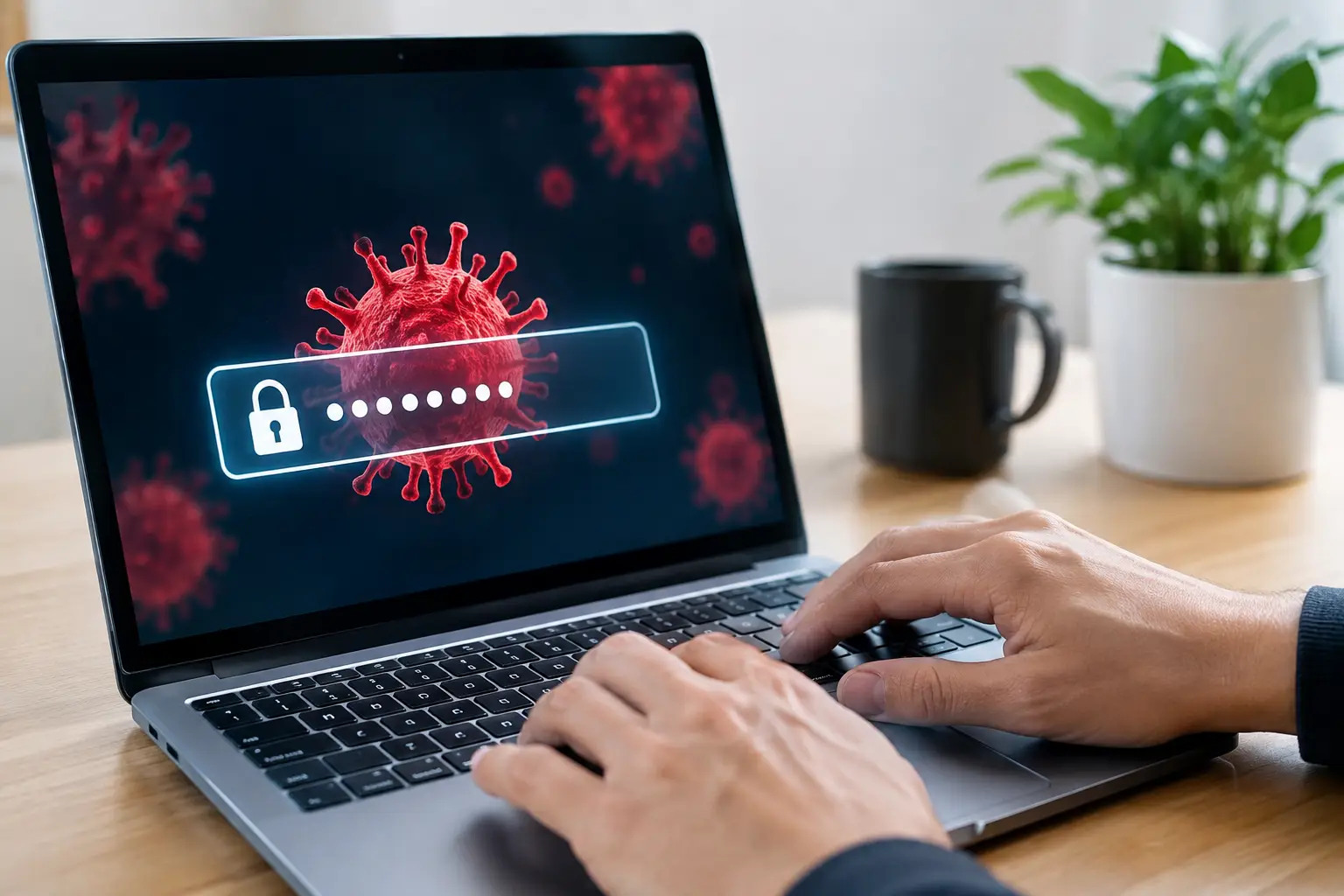

A password problem rarely starts with a dramatic warning on the screen. More often, someone notices an unfamiliar purchase, a strange email sent from their account, or a login notification from another state. So, can viruses steal passwords? Yes. Certain types of malware are specifically built to capture passwords, saved browser logins, banking details, and other private information.
The good news is that quick action can limit the damage. Understanding what password-stealing malware does, what it looks like, and what to do first can help protect your personal files, finances, and business accounts.
How viruses steal passwords
Not every computer virus is designed to take passwords. Some slow a computer down, display unwanted ads, encrypt files for ransom, or use the machine to spread more malware. Credential-stealing malware has a more focused job: collect information that gives an attacker access to your accounts.
A keylogger is one common example. It records what you type, including usernames, passwords, credit card numbers, and messages. Another type, often called an information stealer, searches your browser for saved passwords, cookies, autofill data, and session tokens. Those session tokens can be especially troublesome because they may let an attacker access an account without typing the password again.
Some infections work by creating a fake sign-in page. You may believe you are logging in to email, a cloud-storage account, or your bank, but the page sends your credentials directly to a criminal. Others modify your browser, redirect searches, or install extensions that quietly watch what you do online.
For a small business, one compromised password can affect more than one computer. An attacker who gets into an email account may send convincing messages to clients, request fake invoice payments, reset passwords on other services, or look for financial and customer information.
How password-stealing malware gets onto a device
Most infections do not begin with a person knowingly installing a virus. They start with a moment that looks routine: opening an attachment, clicking a delivery notice, downloading a free utility, or accepting a fake update prompt.
Email remains a frequent delivery method. A message may appear to come from a familiar company, coworker, or customer. The wording can be convincing, especially when the message creates urgency around an overdue bill, account suspension, package delivery, or shared document.
Downloads are another common source. Cracked software, unofficial game mods, unknown browser extensions, and free versions of paid tools often carry a hidden cost. A file that promises to improve performance, convert a document, or remove ads may install a credential stealer in the background.
Outdated software creates another opening. Attackers look for known weaknesses in browsers, operating systems, and common applications. Keeping devices current does not prevent every infection, but it removes many easy opportunities.
Warning signs that deserve attention
Password-stealing malware is designed to stay unnoticed, so a slow computer by itself does not prove that passwords have been stolen. Still, several signs together should be treated seriously.
Watch for unexpected password-reset emails, login alerts from locations you do not recognize, new browser extensions, unfamiliar programs, or security software that has been disabled. You may also see pop-ups that claim your computer is infected and urge you to call a number or install a cleaning tool immediately.
Other clues are less obvious. Your browser may keep signing you out, search results may lead to strange websites, or contacts may tell you they received messages you did not send. On a business computer, unusual mailbox rules, forwarded email, or invoice messages that do not sound like the sender can indicate account access by someone else.
Do not dismiss these as minor annoyances. If a criminal has a working password, time matters. The longer access remains open, the more accounts they may reach.
What to do if you think a virus stole your passwords
First, disconnect the affected computer from Wi-Fi or unplug its network cable if you suspect an active infection. This can stop the device from communicating with a malicious server or spreading across a local network. Do not immediately use that same computer to change important passwords.
Instead, use a different device you trust, such as a clean computer or a phone that has not shown suspicious behavior. Change passwords for your email account first. Email is usually the recovery key for banking, shopping, social media, work systems, and cloud accounts. Then change passwords for financial accounts, password managers, business services, and any account that uses the same or a similar password.
Turn on multi-factor authentication wherever it is available. A password alone may no longer be enough if it has been captured. Multi-factor authentication adds a second check, such as an authenticator app prompt or security code. Text-message codes are better than no second factor, though an authenticator app is generally a stronger choice.
Next, review recent account activity. Check bank and credit card transactions, email forwarding rules, sent messages, connected devices, and account recovery details. If you find unauthorized financial activity, contact the institution directly using a number from its official website or the back of your card.
The infected computer still needs proper attention. Running a reputable security scan may find and remove some threats, but removal is not always straightforward. Some malware changes system settings, adds hidden startup tasks, steals browser data, or leaves behind additional tools. In more serious cases, a professional cleanup or a full system rebuild may be the safer path.
Can antivirus software stop password theft?
Good antivirus or endpoint security software is a valuable layer of protection, but it is not a guarantee. Security tools can identify many known threats, block suspicious downloads, and warn about dangerous websites. They are most effective when they are installed, updated, and allowed to run regular scans.
The trade-off is that malware changes constantly. A brand-new or carefully disguised threat may get past an antivirus program, particularly if a user approves a download or enters credentials on a convincing fake website. That is why safe habits and account security matter alongside antivirus protection.
For homes and small businesses, the practical goal is layered protection: current software, legitimate security tools, unique passwords, multi-factor authentication, backups, and someone to call when something does not look right.
Everyday habits that make a real difference
Use a unique password for every important account. Reusing one password is convenient until one breach or infection gives an attacker the key to several services. A password manager can create and store long, unique passwords so you do not have to memorize every one.
Be cautious with unexpected attachments and login requests, even when they appear to come from someone you know. If an email asks you to act quickly, verify it through a separate method before opening files or signing in. Calling a known number or starting from the company’s official app is safer than using a link in the message.
Keep Windows, browsers, security software, and commonly used programs updated. Back up irreplaceable files regularly, and make sure at least one backup is separate from the computer. Backups do not stop password theft, but they reduce the pressure if an infection also damages or encrypts your data.
If a computer is acting strangely or an account shows unfamiliar activity, do not wait for it to become a larger problem. A careful inspection, malware cleanup, and password-security review can restore control before a small warning turns into lost money, lost data, or a difficult conversation with customers. When you are unsure, getting direct help from a trusted technician is often the fastest way to protect what matters.