
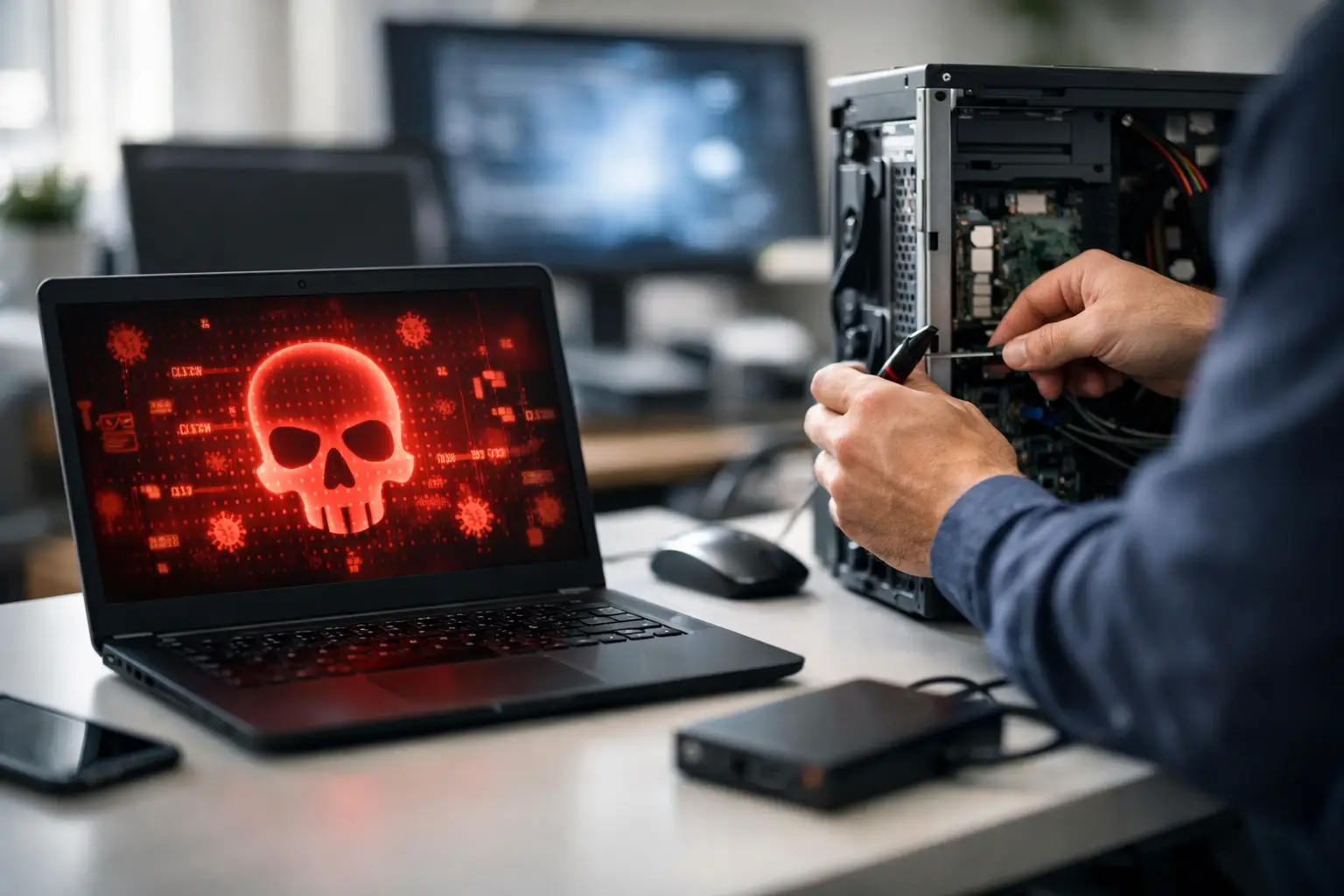

A computer that suddenly floods the screen with ads, redirects searches, or runs painfully slow is not just frustrating. It may be infected. Fast malware removal can prevent a nuisance from becoming a stolen-password problem, a locked-files emergency, or a costly disruption for your home or business.
The right response depends on what the infection is doing and what is stored on the computer. A popup may be caused by an unwanted browser extension. Repeated sign-in alerts, missing files, or an unfamiliar remote-control program call for a more careful response. The goal is not simply to make the warning disappear. It is to remove the threat, protect your accounts, and make sure the computer can be trusted again.
Warning Signs That Should Not Be Ignored
Malware is a broad term for harmful software. It includes viruses, spyware, ransomware, fake security programs, browser hijackers, keyloggers, and programs that give an outside party access to your computer. Some infections are obvious. Others stay quiet while collecting passwords or using your device in the background.
You should take action when a computer begins showing behavior that does not make sense for normal use. Common warning signs include unexpected popups, a browser homepage or search engine that keeps changing, programs opening on their own, unfamiliar icons, unusually high fan activity, or a system that becomes slow without a clear reason.
Account-related warning signs are especially serious. If contacts receive strange messages from you, your email shows sent messages you did not write, or you receive password-reset notices you did not request, assume a password may have been exposed. Malware may not be the only cause, but it is one possibility that should be checked.
For a small business, one compromised computer can affect shared folders, cloud accounts, customer records, and other devices on the same network. For a family, the risk may include financial accounts, saved photos, school files, and private documents. The earlier the issue is addressed, the more options you usually have.
What to Do Before Malware Removal Begins
If you believe a computer is infected, disconnect it from Wi-Fi or unplug the network cable. This can limit the infection’s ability to communicate outward, spread across a network, or continue uploading information. Do not rush to erase the machine or install several different cleanup tools at once. That can make diagnosis harder and, in some cases, damage files that could still be recovered.
Avoid clicking popups that claim to be from Microsoft, Apple, a security company, or a bank. Real security warnings do not typically demand immediate payment, insist that you call an unfamiliar number, or lock your browser with a loud alarm. Scareware is designed to pressure people into giving remote access or buying unnecessary software.
If you entered a password after noticing suspicious activity, change that password from a different, known-clean device. Start with email, because email password resets can open the door to many other accounts. Then change passwords for banking, work systems, shopping accounts, and cloud storage as needed. Use unique passwords and turn on multi-factor authentication wherever it is available.
A recent backup is helpful, but it should be handled carefully. Backing up infected files or restoring an infected backup can reintroduce the problem. Documents, photos, and project files are often recoverable, while unknown programs and downloaded installers should not be carried over without review.
How Professional Malware Removal Protects More Than the PC
Effective malware removal is a process, not a single scan. A technician first looks for the source of the problem and determines whether it is a simple unwanted application, a deeper infection, a compromised account, or possible hardware trouble that only appears to be malware.
The computer may need to be scanned outside its normal operating environment, where malicious programs have less opportunity to hide or restart themselves. Startup items, browser extensions, scheduled tasks, remote-access tools, system settings, and installed applications should all be reviewed. If the infection has changed security settings or created hidden user access, those changes need to be corrected as well.
After cleanup, the system should be updated and tested. Operating system updates, browser updates, and security protection close common entry points. A computer may also need performance work after an infection, especially when unnecessary startup programs and unwanted utilities have accumulated over time.
Sometimes the safest solution is to back up verified personal files and reinstall the operating system. That is not always necessary, and it can take more time than a targeted repair. But for severe infections, ransomware remnants, or systems that have been repeatedly compromised, a clean installation can provide greater confidence than trying to preserve every part of an untrustworthy setup.
For business computers, the review should extend beyond the affected machine. Shared passwords, cloud logins, network drives, and connected devices may need attention. A single infected laptop should not be treated as an isolated incident until the rest of the environment has been checked.
Ransomware Requires a Different Response
Ransomware is malware that encrypts files or threatens to publish stolen information unless a payment is made. You may see files with unfamiliar extensions, a ransom note on the desktop, or an alert demanding cryptocurrency. If that happens, immediately disconnect the computer from the network and any external drives.
Do not pay or communicate with the attackers before the situation is evaluated. Payment does not guarantee that files will be restored, that stolen data will be deleted, or that the criminals will not target you again. A technician can identify the ransomware family, assess whether files are recoverable, and determine whether clean backups are available.
Do not delete encrypted files or wipe the drive in a panic. Even when there is no immediate decryption option, preserving the drive and the ransom note may help with identification and future recovery options. If important files are involved, data recovery should be considered before major changes are made to the system.
Common Entry Points and Better Habits
Most malware does not arrive through a dramatic Hollywood-style hack. It often starts with a convincing email attachment, a fake invoice, a text message link, a compromised website, a pirated download, or a popup offering a free cleanup. Criminals rely on urgency and familiarity. A message that appears to come from a delivery service, colleague, bank, or family member can still be fraudulent.
A few habits make a meaningful difference. Keep computers, browsers, and applications updated. Use legitimate security software and let it update automatically. Do not reuse passwords, and avoid saving sensitive passwords in an unsecured browser profile. Make regular backups of important files, preferably with one backup kept separate from the computer.
For families, it also helps to talk openly about suspicious messages before someone clicks. For small businesses, employees should know exactly who to contact when something looks wrong. Quick reporting is far better than quietly hoping a suspicious popup will go away.
When It Is Time to Call for Help
You may be able to remove a minor browser extension or unwanted app yourself. But professional help is the safer choice when the computer displays a ransom message, security software will not open, files have disappeared, online accounts may be compromised, or the infection keeps returning after a scan.
It is also worth calling when you are simply unsure. Guessing can turn a manageable problem into lost data or a bigger security incident. The IT Professionals can assess the condition of the system, explain what is found in plain language, and recommend the practical next step without pushing unnecessary work.
A clean computer is valuable, but confidence matters just as much. Once the immediate problem is under control, take the opportunity to update protection, review backups, and make sure the people who use the computer know what suspicious activity looks like. That small amount of preparation can save a great deal of stress the next time something does not look right.