
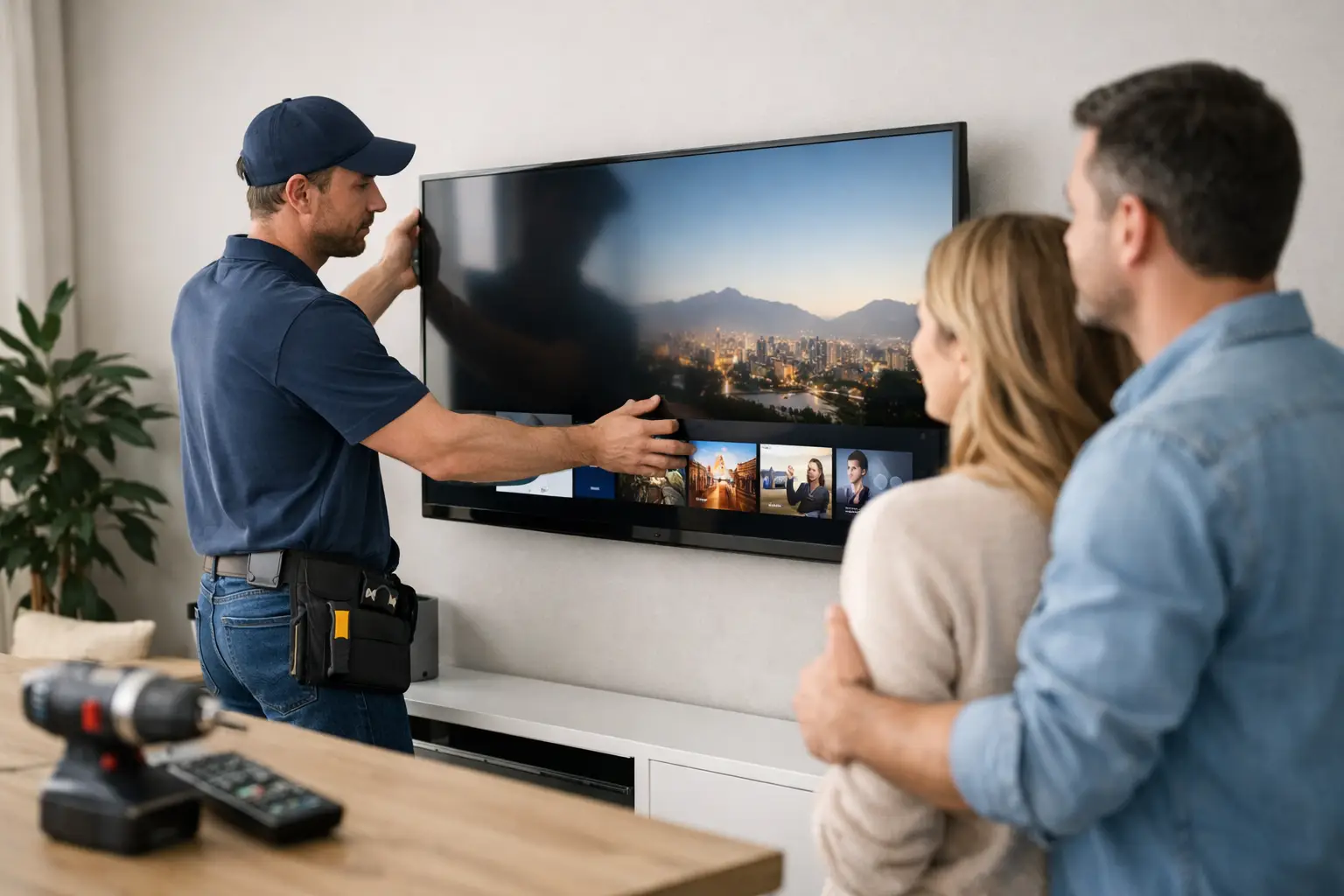

A new television should make movie night better, not create a weekend of loose cables, confusing menus, and a screen mounted slightly crooked. Professional smart TV installation takes care of the details that affect how the TV looks, sounds, connects, and holds up over time.
For Southern California homes, the right setup often means more than hanging a TV on a wall. It may involve working around stucco, fireplace walls, older wiring, Wi-Fi dead spots, soundbars, cable boxes, gaming systems, and the question nobody wants to ask after the fact: “Can this wall safely support it?”
Start With the Room, Not the TV Box
A TV can be technically installed and still feel wrong every time you sit down. Screen size, viewing distance, seating height, sunlight, and furniture placement should guide the decision before a mount goes on the wall.
For example, a large screen above a fireplace may look dramatic, but fireplaces can place the TV too high for comfortable viewing. Heat can also be a concern, depending on how the fireplace is built and used. In some rooms, a lower wall mount or a media console provides a more comfortable result, even if it is not the most obvious placement.
Glare matters as well. Southern California sunshine can turn a beautiful picture into a reflective black screen at certain times of day. Before mounting, turn on the TV in the proposed location and look at it from the main seating area. Window treatments, a tilt mount, or a different wall may solve a problem that picture settings cannot.
What a Smart TV Installation Should Include
The physical mount is only one part of the job. A complete installation should leave the television ready for normal use, with the equipment connected, the picture adjusted, and the remote simple enough for everyone in the household to understand.
That usually means mounting the screen securely, connecting available devices, organizing cables, joining the TV to the home network, and confirming that streaming services, live TV, and audio work as expected. If a soundbar, receiver, game console, Blu-ray player, antenna, or cable box is involved, each device should be tested before the technician leaves.
The goal is not to add every possible feature. It is to make the setup dependable. A household that mostly streams may need a clean Wi-Fi connection and an easy-to-use remote setup. A sports fan may care more about cable box responsiveness and picture motion settings. A family with multiple game systems may need enough accessible HDMI ports and a better plan for cable management.
Mounting Safety Is Not Optional
A modern flat-screen TV can look light, especially compared with older tube televisions. That does not mean it is safe to attach to drywall with the wrong hardware. The mount, wall type, stud placement, screen weight, and screen size all need to work together.
Wood studs are generally the preferred mounting point for most residential installations. Metal studs, masonry, brick, stone, and fireplace surrounds require a different approach. A wall may also contain plumbing, electrical wiring, or ductwork where you least expect it. Drilling first and figuring it out later is not a good plan.
The mount itself matters, too. A fixed mount keeps the TV close to the wall and works well when the viewing angle is straightforward. A tilt mount can help reduce glare or improve visibility when the TV sits slightly higher. A full-motion mount offers flexibility, but it adds weight and leverage to the wall connection. It must be selected and installed with care.
A properly installed mount should feel solid, sit level, and allow enough room for ventilation and cable connections. If the TV is being placed above a fireplace or on a specialty surface, taking the time to assess the wall first can prevent expensive damage later.
Plan Power and Cables Before the Screen Goes Up
The cleanest TV wall installations are planned before the screen is mounted. Once the TV is in place, it is harder to access ports, route cables, or discover that the power outlet is too far away.
Avoid running a standard TV power cord inside a wall. It is not designed for that purpose and can create a safety issue. A proper in-wall power solution or a nearby outlet is the better answer. For renters, a surface cable cover may be the most practical option. It is not completely invisible, but it can still look neat and protect wires from being pulled or damaged.
Think about every device that needs a connection. HDMI cables may be needed for a cable box, soundbar, receiver, game console, streaming device, or computer. Ethernet is worth considering when the TV is close to the router or when wireless streaming has been unreliable. A wired connection can provide more consistent performance for 4K streaming, especially in homes with several people online at once.
Do not buy the most expensive cables just because the packaging promises a better picture. For typical home use, quality certified cables of the correct type and length are what matter. The more important issue is routing them without sharp bends, pinching, or a tangle that makes future service difficult.
Get the Network Right for Streaming
Many “TV problems” are really Wi-Fi problems. A smart TV may connect to the network successfully but still buffer, drop video quality, or lose connection in the evening when everyone in the home is using the internet.
Distance from the router, thick walls, neighboring wireless networks, and the placement of the TV can all affect signal quality. If streaming apps take a long time to open or video repeatedly pauses, restarting the TV may help temporarily, but it does not fix poor coverage.
A network assessment can identify whether the issue is the internet connection, router placement, outdated equipment, or a need for a mesh Wi-Fi system. Sometimes moving the router or adding a properly placed access point is enough. In other homes, a wired Ethernet run is the most reliable solution. The right choice depends on the layout, construction, and how many connected devices the household uses.
Set Up the TV for People, Not Just Specifications
Out of the box, many TVs are configured for bright showroom floors. Those settings can make colors look overly intense and motion look unnatural in a living room. A few practical adjustments can improve the picture immediately.
Start by choosing the correct picture mode for the room. Movie or Cinema modes are often more accurate for evening viewing, while a brighter standard setting may work better in a sunlit family room. Turning down excessive motion smoothing can make films look more natural. It is a preference issue, though – some viewers like the extra smoothness for sports.
Audio deserves the same attention. TV speakers are improving, but they are still limited by the thin shape of the screen. A soundbar is often a meaningful upgrade for dialogue, movies, and music. When connecting one, use the TV’s HDMI ARC (Audio Return Channel) or eARC port when available so that the television and soundbar can communicate properly and volume control stays simple.
During setup, it also helps to remove unused apps from the home screen, sign in to the services the household actually uses, and make sure software updates are installed. This reduces clutter and prevents the common situation where someone has six remotes but cannot figure out which input the TV needs.
Common Problems That Are Easier to Prevent Than Fix
A good installation anticipates problems before they interrupt a game, a movie, or an important presentation. These are some of the issues worth checking before the work is considered complete:
- The TV is level, securely supported, and at a comfortable viewing height.
- Every HDMI device appears on the correct input and produces sound.
- Streaming apps connect and play without repeated buffering.
- The soundbar or receiver turns on correctly with the TV.
- Cables are protected, organized, and accessible for future changes.
- The remote controls the functions people use most often without unnecessary steps.
Testing each item may sound basic, but it saves frustration. It is much easier to correct an audio setting or missing input while the equipment is accessible than after furniture has been moved back and the wall has been closed up.
When Professional Help Makes Sense
Some smart TV setups are simple enough for a confident homeowner, particularly when the TV sits on a stand and only needs Wi-Fi and one streaming account. The job becomes more complicated when wall mounting, hidden wiring, large screens, fireplace locations, home theater equipment, or network problems enter the picture.
Professional help is especially useful when you want the work done without guessing about wall structure, electrical safety, or which connection is causing an issue. A technician can also explain the setup in plain language, so you are not left with a great-looking system that nobody feels comfortable using.
The IT Professionals can help homeowners connect the full picture: secure mounting, organized equipment, reliable networking, and clear guidance after the installation is finished. The best smart TV setup is one you stop thinking about because it simply works when you want to relax.