
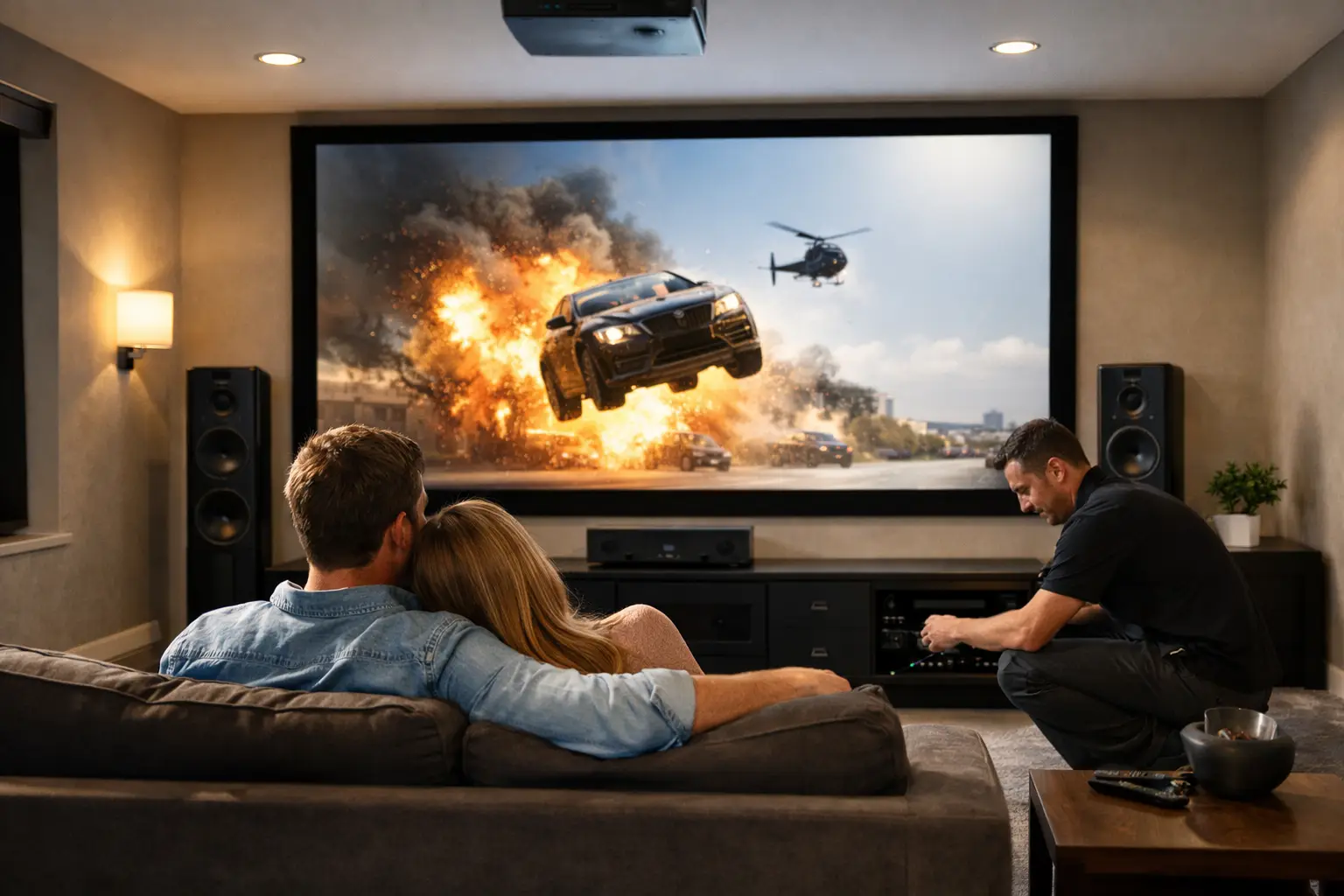

A new TV can look impressive on the wall and still leave the room feeling unfinished. The sound may be thin, cables may show, streaming may buffer, and three remotes may sit on the coffee table. A proper home theater installation solves the whole experience, not just the placement of the screen.
For Southern California homeowners, the goal is usually simple: sit down, press one button, and enjoy a movie, game, concert, or big game without troubleshooting the technology first. Getting there takes more planning than most people expect, especially when the room has existing furniture, older wiring, multiple streaming services, or spotty Wi-Fi.
Home Theater Installation Starts With the Room
The best equipment depends on where it will be used. A 75-inch TV may be a great choice in a family room with a wide seating area, while a smaller display can be more comfortable in a bedroom or den. Bigger is not automatically better if viewers sit too close, the screen overwhelms the room, or wall space is limited.
Light matters just as much as screen size. A bright room with large windows often benefits from a high-quality TV that handles daytime viewing well. A dedicated media room with controlled lighting may be a good candidate for a projector and screen. Projectors can create an excellent theater feel, but they need the right throw distance, mounting location, room darkness, and ventilation. They are not the best answer for every home.
Seating also affects the plan. Speakers need room to perform, and a center speaker should clearly carry dialogue for people seated across the couch, not only in one favorite chair. A home theater should work for the family, guests, and everyday TV viewing, not just for one perfectly positioned listener.
Sound Is What Makes the Room Feel Like a Theater
Many people begin with picture quality, then realize the built-in TV speakers are the weak point. Flat-panel televisions have limited room for speakers, so dialogue can sound quiet while music and effects jump too loud. Turning up the volume does not fix that imbalance.
A soundbar is often a practical upgrade for a living room, condo, or smaller space. It can improve dialogue and provide a cleaner setup with fewer components. Some soundbars include a wireless subwoofer and rear speakers, making them a good fit when running speaker wire through walls is not practical.
For a more immersive experience, separate speakers and an AV receiver provide greater control and stronger sound. A traditional 5.1 setup uses left, center, right, and surround speakers with a subwoofer. Larger rooms or dedicated theater spaces may benefit from additional surround or height speakers. The trade-off is that more speakers require more placement planning, calibration, and cable management.
Subwoofer placement deserves attention. Putting it wherever there is an open corner may be convenient, but it can create boomy or uneven bass. Sometimes moving it a few feet makes a bigger difference than buying a more expensive model. Correct setup is about using the room well, not simply adding equipment.
Dialogue Should Be Clear at Normal Volume
If you regularly turn on subtitles because movie dialogue is hard to hear, the issue may be speaker placement, receiver settings, or the lack of a dedicated center channel. A properly configured system can bring voices forward without making every action scene shake the windows.
This matters in busy households. You should not have to choose between missing conversations and waking up everyone else in the home.
Clean Wiring Is More Than a Cosmetic Detail
Visible cords can make an otherwise beautiful installation look temporary. They can also create real problems: loose connections, tangled power cables, blocked ventilation, and equipment that is difficult to service later.
A clean installation considers where every cable will run before the TV is mounted. That includes power, HDMI connections, network cables, speaker wire, streaming devices, game consoles, and any future equipment you may add. In-wall rated cable and proper wall plates can keep the result neat while allowing access for maintenance.
There are limits to what can safely go behind a wall. Power needs to be handled correctly, and low-voltage cable should not be treated the same as standard electrical wiring. A professional should also check for studs, plumbing, electrical lines, and the construction of the wall before mounting a heavy display.
Equipment location matters too. A receiver, cable box, or game console tucked into a closed cabinet can overheat if airflow is poor. It may also lose remote-control signals. The cleanest setup is not helpful if it creates reliability problems six months later.
Your Network Is Part of the Theater System
Streaming has made the home network part of the entertainment system. A beautiful new TV cannot compensate for weak Wi-Fi, a poorly located router, or a network struggling with video calls, smart devices, gaming, and multiple streams at once.
Whenever possible, a wired network connection is the most dependable choice for a TV, receiver, or streaming device. It reduces buffering and can improve stability during high-resolution streaming or online gaming. If running Ethernet is not realistic, Wi-Fi coverage should be evaluated in the room where the theater will be used.
This is especially relevant in larger homes, homes with thick walls, and properties where the router sits far from the TV. Mesh Wi-Fi or a properly placed access point may be more useful than repeatedly restarting the router. The right answer depends on the layout and how many connected devices are competing for bandwidth.
Controls Should Be Easy for Everyone
A home theater should not require a technical support call every time someone wants to watch television. Yet many installations leave homeowners with separate remotes for the TV, receiver, cable box, soundbar, streaming device, and lights.
A simplified remote or thoughtfully programmed control system can reduce that confusion. The important part is making common tasks easy: watching live TV, opening a streaming app, adjusting volume, changing inputs, and turning everything off. Less common settings can remain available without being placed in front of the user every day.
Before installation day, it helps to decide which sources you actually use. If nobody watches Blu-ray discs, there may be no reason to build the room around a disc player. If the household uses Apple TV, Roku, cable service, a gaming console, and a work laptop, those should be connected and tested in a sensible order.
A good installer also labels equipment and explains the system in plain language. That small step can prevent a lot of frustration later.
Plan for the Equipment You Will Add Later
Home technology changes quickly, but the room should not need to be opened up every time you upgrade a device. Leaving a conduit, spare HDMI cable, extra network line, or accessible equipment path can save time and money down the road.
This does not mean paying for every possible feature now. It means making smart allowances for likely changes, such as a future game console, upgraded streaming device, outdoor TV connection, or additional speakers. A practical plan respects the current budget while avoiding choices that make future improvements unnecessarily difficult.
Wall mounts should also be chosen for the display and the viewing needs. A fixed mount gives a slim appearance, while a tilting mount helps when a TV is installed higher than eye level. A full-motion mount can be useful in a corner or open-concept room, but it requires careful cable planning and a secure mounting surface.
What to Have Ready Before Installation Day
A little preparation helps the project move faster and reduces last-minute decisions. Before a technician arrives, try to have these details available:
- The TV, audio equipment, streaming devices, and game consoles you want connected.
- A list of the services your household uses, such as cable, satellite, streaming apps, or gaming platforms.
- Any preferred mounting location and an honest description of what is behind that wall, if known.
- Wi-Fi login information and access to the home’s network equipment.
- A clear idea of the budget, including whether clean cable routing and future expansion are priorities.
You do not need to know the technical answers to everything. That is the reason to work with someone who can assess the room, explain the options, and identify concerns before equipment is mounted or wires are run.
When Professional Help Makes the Difference
Some installations are straightforward, especially when adding a soundbar to an existing TV stand. Others involve wall mounting, surround sound, hidden wiring, network problems, smart-home devices, and equipment that must work together reliably. Those projects benefit from hands-on experience and a technician willing to explain what is worth doing and what is not.
The IT Professionals approaches home technology as a complete system. That means looking beyond the TV mount to the network connection, audio setup, cables, device controls, and the way your household actually uses the room. Honest advice matters because the most expensive option is not always the best option for the space.
The right setup should feel almost invisible once it is finished. When the picture comes on, the dialogue is clear, the connection holds, and everyone knows which button to press, the technology has done its job. Your next movie night should start with choosing what to watch, not figuring out why the screen says “No Signal.”